Your credit report is one of the most important financial documents you'll ever have. It determines whether you get approved for loans, credit cards, apartments, and sometimes even jobs. But for most people, opening a credit report feels like reading a foreign language.
This guide will teach you how to read your credit report from top to bottom, understand what each section means, and spot errors that could be hurting your credit score.
The 4 Main Sections of Your Credit Report
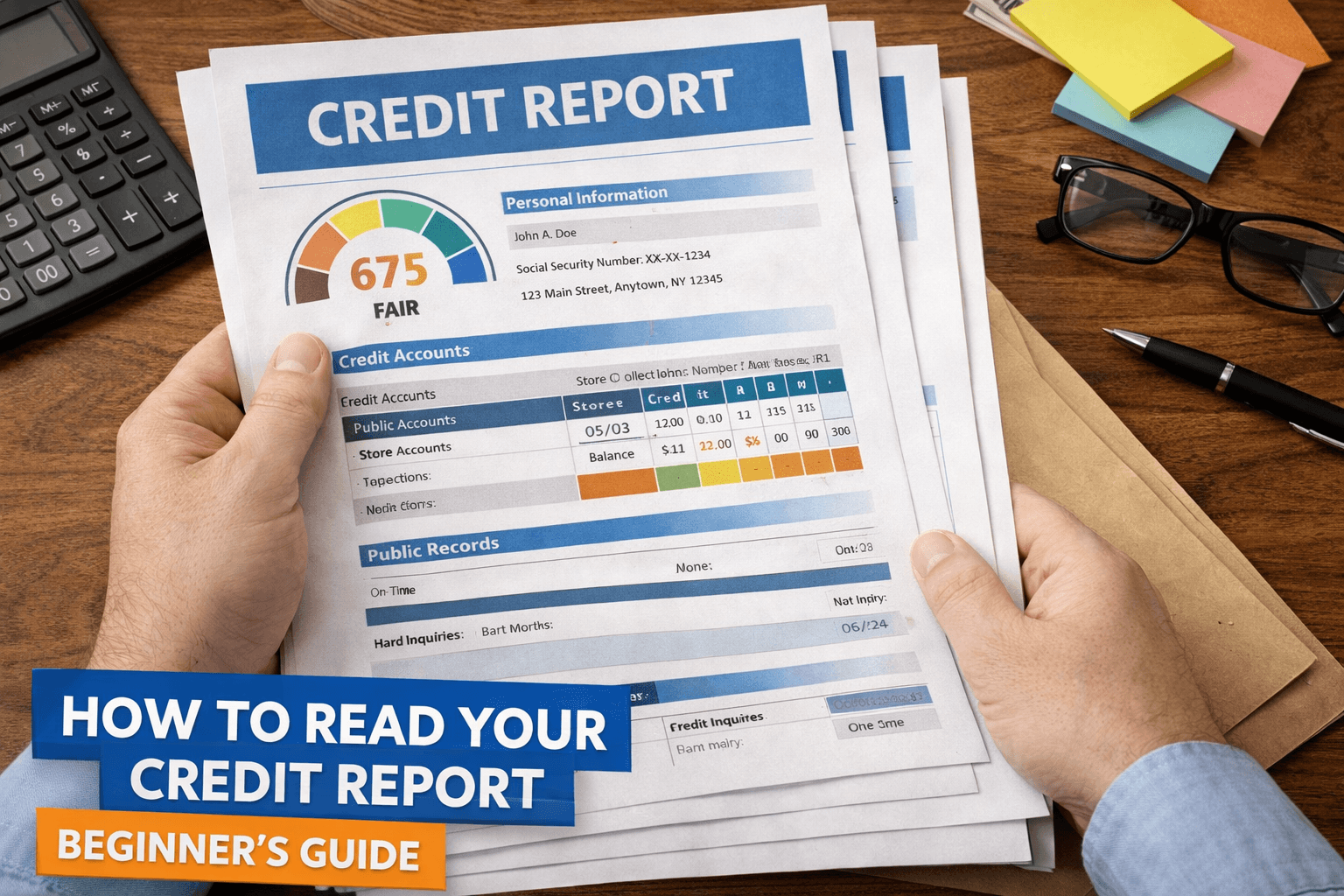
Every credit report from Equifax, Experian, and TransUnion contains four main sections:
- Personal Information — Your identity details
- Credit Accounts (Trade Lines) — Your credit history
- Public Records — Bankruptcies, judgments, liens
- Inquiries — Who has checked your credit
Let's break down each section so you know exactly what you're looking at.
Section 1: Personal Information
This section contains your identifying information:
- Full name (and any aliases or misspellings)
- Current and previous addresses
- Social Security Number (usually partially hidden)
- Date of birth
- Current and previous employers
- Phone numbers
Common Errors in Personal Information
- Misspelled name variations
- Wrong Social Security Number
- Addresses from someone with a similar name
- Outdated employer information
While personal information errors don't directly affect your score, they can indicate bigger problems like mixed files or fraud.
Section 2: Credit Accounts (Trade Lines)
This is the most important section of your credit report. Each account (called a "trade line") shows:
Account Details
- Creditor name — The company you have the account with
- Account number — Usually partially masked for security
- Account type — Credit card, mortgage, auto loan, student loan, etc.
- Date opened — When you opened the account
- Credit limit or loan amount — Your maximum credit or original loan balance
- Current balance — What you currently owe
- Monthly payment — Your minimum required payment
- Payment status — Current, 30 days late, 60 days late, etc.
Understanding Account Status Codes
Your payment history is shown with status codes:
- Current / Paid as Agreed — You're up to date (good!)
- 30/60/90/120 Days Late — How many days past due
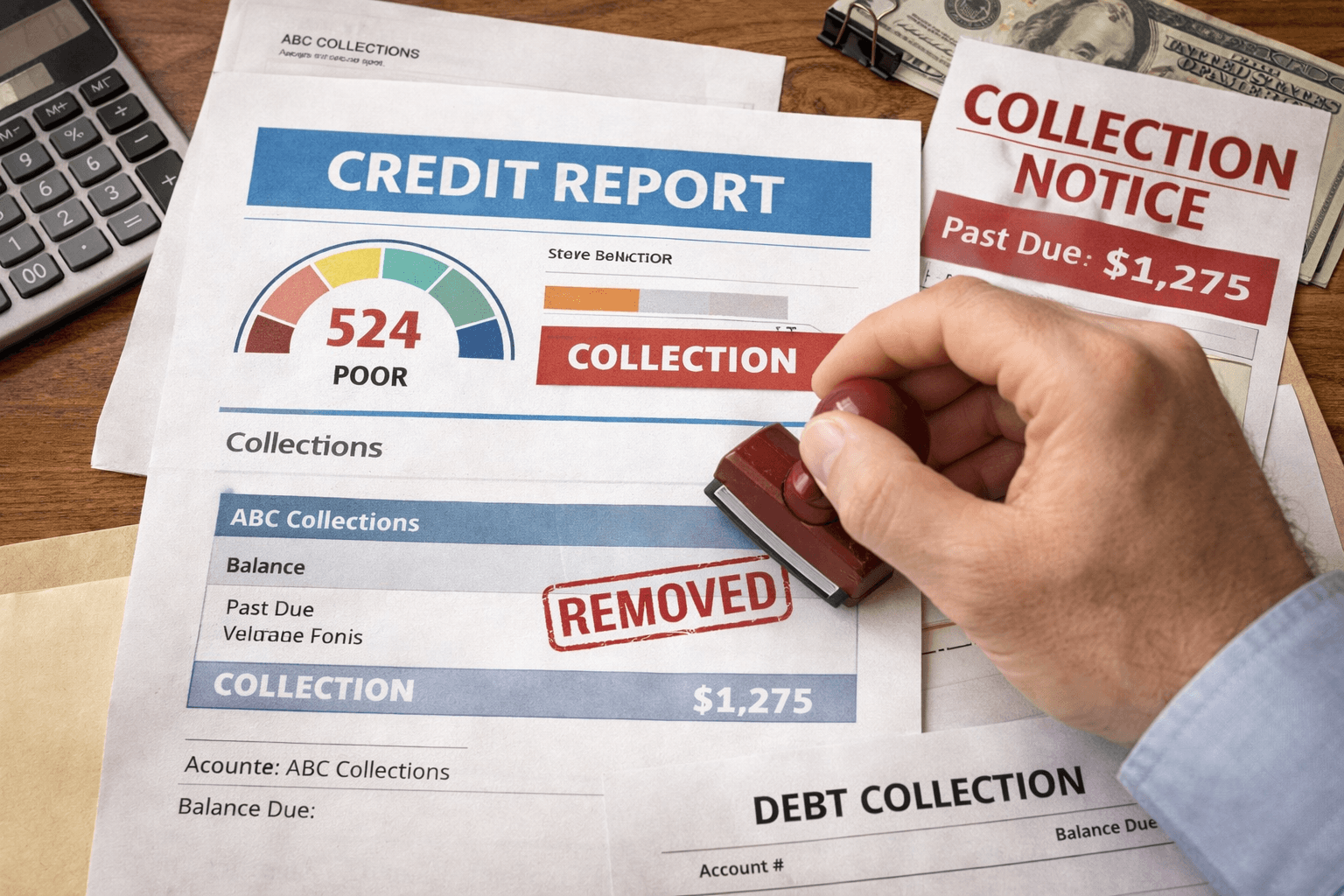
- Collection — Account sent to collections
- Charge-Off — Creditor wrote off the debt as a loss
- Closed — Account is no longer active
- Paid / Closed — You paid off and closed the account
What to Look For in Trade Lines
- Accounts you don't recognize — Could be fraud or errors
- Incorrect balances — Should match your statements
- Wrong payment status — Especially if you paid on time
- Incorrect credit limits — Affects your utilization ratio
- Duplicate accounts — Same debt listed twice
- Outdated information — Negative items older than 7 years
Section 3: Public Records
This section shows serious negative items from court records:
- Bankruptcies — Chapter 7 (stays 10 years) or Chapter 13 (stays 7 years)
- Civil judgments — No longer included as of 2017
- Tax liens — No longer included as of 2018
Good news: As of recent changes, only bankruptcies now appear in the public records section. Tax liens and civil judgments were removed from credit reports in 2017-2018.
Section 4: Credit Inquiries
Inquiries show who has accessed your credit report. There are two types:
Hard Inquiries
These occur when you apply for credit and do affect your score:
- Credit card applications
- Loan applications (auto, mortgage, personal)
- Apartment rental applications
- Some utility and cell phone applications
Hard inquiries stay on your report for 2 years but only affect your score for 12 months. Each one can drop your score by 5-10 points.
Soft Inquiries
These don't affect your score and include:
- Checking your own credit
- Pre-approved credit offers
- Background checks by employers
- Existing creditors reviewing your account
How to Spot Errors on Your Credit Report
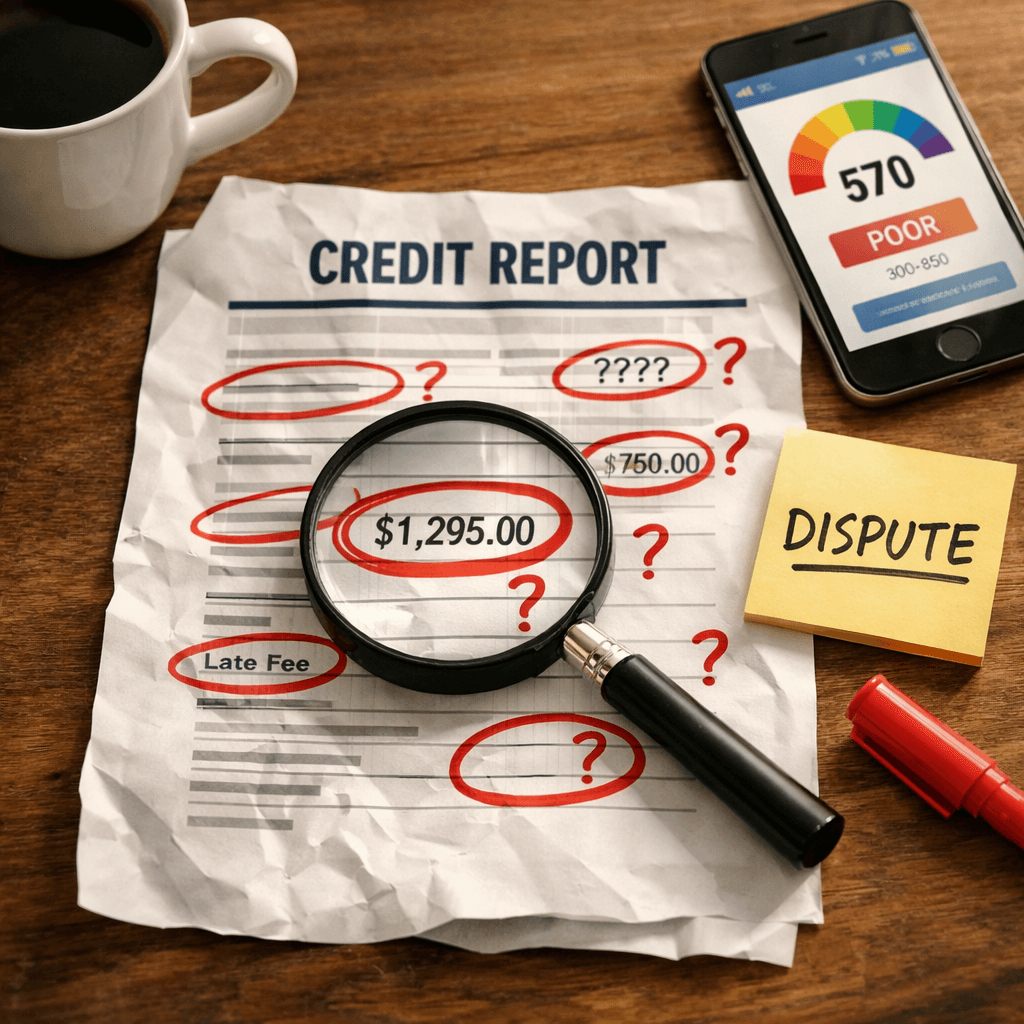
Studies show that 1 in 5 consumers have an error on their credit report. Common mistakes include:
- Identity errors — Wrong name, address, or SSN
- Account errors — Accounts that aren't yours
- Balance errors — Incorrect amounts owed
- Status errors — Accounts marked late when paid on time
- Duplicate accounts — Same debt listed multiple times
- Outdated negatives — Items past the 7-year reporting limit
- Closed accounts shown as open — Can affect debt-to-income ratios
- Mixed files — Someone else's accounts on your report
Understanding Credit Report Codes
Credit reports use standardized codes. Here are the most common:
Account Type Codes
- R — Revolving (credit cards)
- I — Installment (fixed payments like auto loans)
- M — Mortgage
- O — Open (balance due in full each month)
- C — Line of credit
Account Rating Codes
- R1 or I1 — Paid as agreed (best)
- R2-R4 or I2-I4 — 30-90 days late
- R5 or I5 — 120+ days late
- R9 or I9 — Charge-off or collection (worst)
Differences Between the Three Credit Bureaus
Your report may look different at each bureau because:
- Not all creditors report to all three bureaus
- Information may be updated at different times
- Each bureau has slightly different formatting
- Errors may appear on one report but not others
This is why you should check all three reports, not just one.
What to Do If You Find Errors
If you spot inaccurate information on your credit report:
- Document the error — Screenshot or print the incorrect information
- Gather supporting evidence — Bank statements, payment receipts, etc.
- File a dispute with the credit bureau — Online, by mail, or by phone
- Dispute with the creditor directly — Also called a "direct dispute"
- Wait for investigation — Bureaus have 30 days to respond
- Check results — Review your updated report
How DisputeAI Makes Credit Reports Easy
Reading your credit report is one thing. Knowing how to fix errors is another. DisputeAI helps you:
- Identify disputable items on your credit report
- Generate professional dispute letters automatically
- Track your disputes and responses
- Understand your rights under the FCRA
- Take action with proven letter templates
Don't let credit report errors cost you money. Whether it's a wrong balance, an account that isn't yours, or a late payment you actually made on time, you have the right to dispute it.
Conclusion
Your credit report doesn't have to be a mystery. Now that you know how to read each section—personal information, trade lines, public records, and inquiries—you can take control of your credit health.
Make it a habit to check your credit reports regularly. Catch errors early before they cost you thousands in higher interest rates or denied applications. And when you do find errors, don't ignore them—dispute them.
Your credit score is too important to leave to chance.
Topics
Written by DisputeAI Team
Our team of credit experts helps consumers understand their rights and fight back against inaccurate credit reporting using AI-powered dispute letter generation.